 QuickTranscribe
Free offline dictation for Mac
QuickTranscribe
Finish speaking. Keep moving.
Your text appears moments after you release the key, transcribed on your Mac.
Download for Mac
Apple silicon · macOS 14 or later
Why I built QuickTranscribe
I loved voice dictation, but I didn’t always want it to rewrite what I said. Especially when talking to AI, I wanted my thoughts to come through as I spoke them.
Then my kids wanted to use Codex to make games. They had ideas, but couldn’t type them out yet. I wanted them to be able to talk, and I wanted their recordings to stay on our computer. That’s what got me building QuickTranscribe.
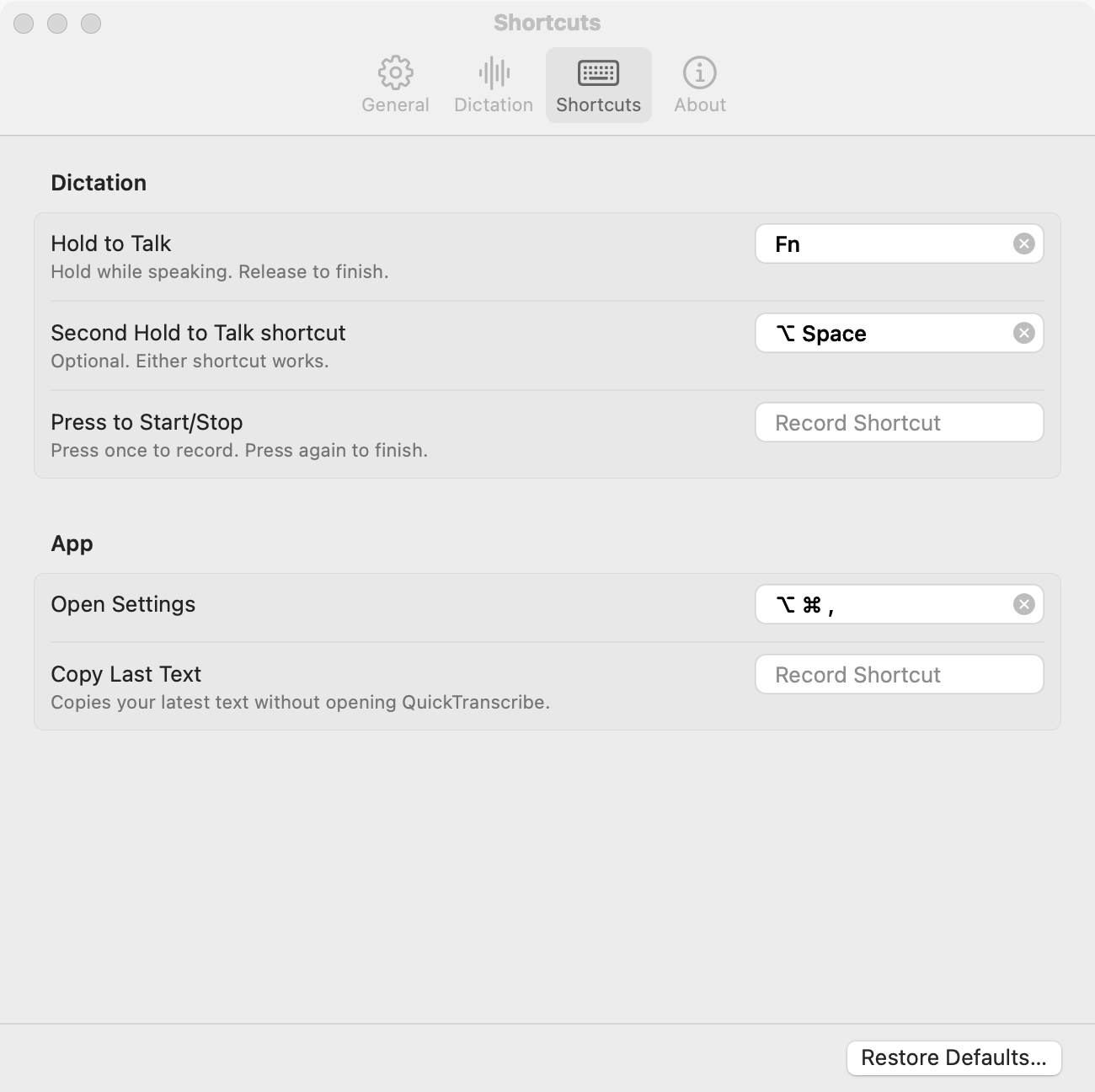
Now I use it every day: in ChatGPT, in terminals, and through Splashtop when I’m working remotely. One shortcut across the apps I use. No polishing or rewriting.
It started as something for my family and became something I rely on. I’m sharing it because it might be useful to you, too.
Something missing that would make your day easier? Email me. I’d like to hear it.
Speech is processed on your Mac, not sent to a transcription service.
Privacy & Help
Installer package
For Macs managed by IT, and for Mac accounts that can't add apps to the Applications folder. It's a signed installer package; an administrator installs it once.
Updates installed this way need an administrator's approval.
Download Installer Package